

Latest Version
Paolo Bacchilega
Tools
Linux
Free
org.gnome.FileRoller
Report a Problem
More About File Roller
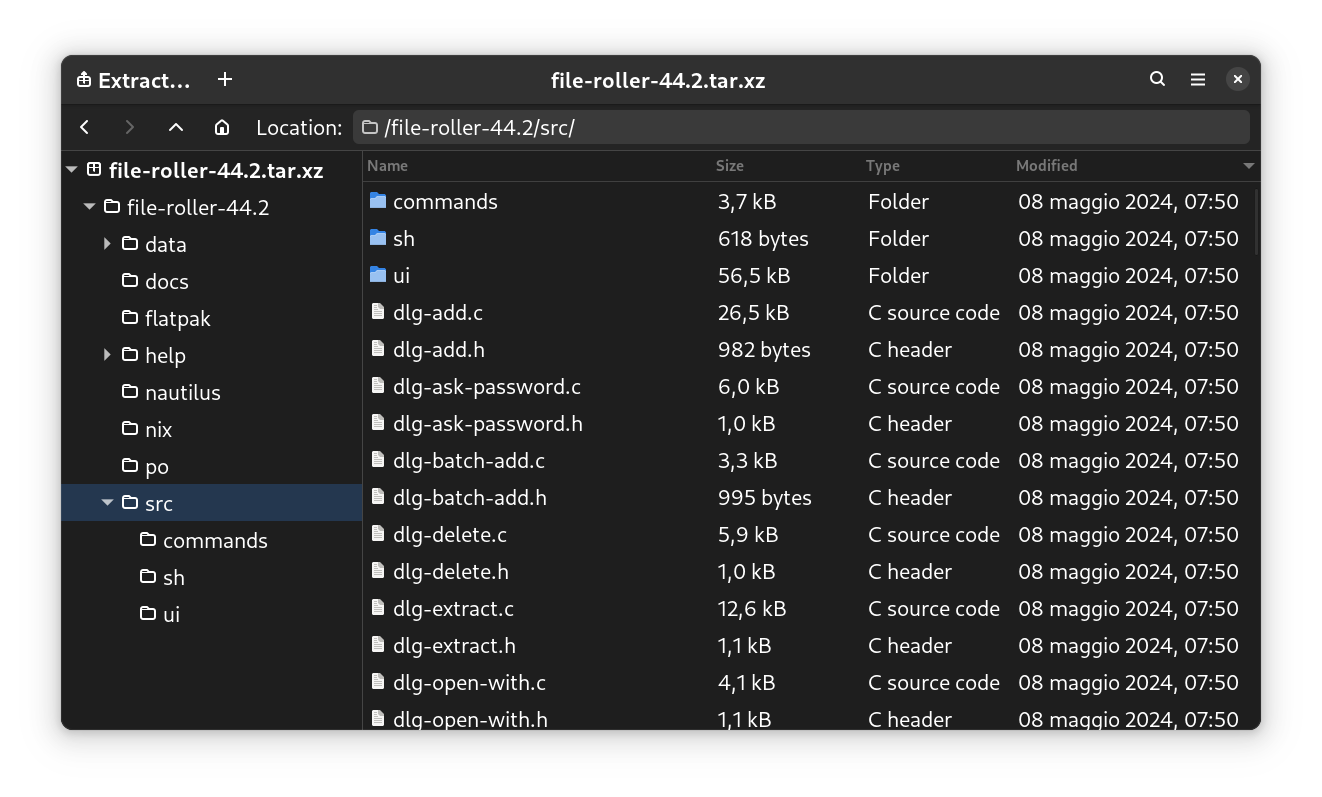
When managing files on a Linux desktop, having a reliable tool to bundle and compress your data is essential. File Roller archive manager delivers an incredibly smooth experience for users who need to compress, view, and extract files without dealing with complex command-line arguments. Designed as a native utility for the GNOME desktop environment, it brings simplicity and power to everyday file management tasks.
Streamlined Archive Management on Linux
Developed by Paolo Bacchilega, this application serves as a graphical front-end to various archiving utilities. Instead of memorizing terminal commands, the File Roller archive manager allows you to interact with your archives through a clean, intuitive interface. Whether you are extracting a downloaded package or creating a backup of your personal documents, the process is reduced to just a few clicks.
Versatile Format Support
One of the strongest selling points of this utility is its broad compatibility. Out of the box, the application supports a wide array of compression standards, ensuring you can open almost any package you encounter. Key supported formats include:
- gzip archives (.tar.gz, .tgz) — Perfect for standard Linux distributions and source code packages.
- bzip archives (.tar.bz, .tbz) — Ideal for high-ratio compression needs.
- zip archives (.zip) — The universal standard for cross-platform sharing with Windows and macOS.
- xz archives (.tar.xz) — Modern, highly efficient compression for larger datasets.
Who Is This Tool For?
This software is perfect for Linux users who prefer a graphical user interface over the terminal. It fits seamlessly into the GNOME desktop, making it an excellent choice for beginners and power users alike who want to speed up their workflow. Because it is lightweight, it does not hog system resources, allowing you to compress large directories in the background while you continue your work.
Our Editorial Verdict
The File Roller archive manager stands out because it does not try to reinvent the wheel. It focuses on doing one thing exceptionally well: managing compressed files. By offering a clean UI and deep integration with the host operating system, it remains an indispensable utility for the Linux community. If you are looking for a hassle-free way to handle zip, tar, and xz files, this app is highly recommended.
To experience this seamless file management firsthand, you can find more details and download options on the official Flathub store page.
Rate the App
User Reviews














Popular Apps










Editor's Choice